uDesignIt!: Adding Dynamic QR Codes

Written by Justin Carlson
Updated at October 2nd, 2026
Table of Contents
Adding Personalized QR Codes to uDesignIt!
uDesignIt! allows print buyers to automatically generate personalized QR codes directly within their print designs using the information they enter. For example, a business card template can create a QR code from the print buyer’s contact details, eliminating the need to create and upload a separate code.
This capability reduces manual setup, helps prevent errors, and saves time—especially when producing large volumes of personalized materials. By incorporating QR codes into your uDesignIt! templates, you can simplify the ordering process, add value to your Clients’ printed pieces, and create more opportunities for print sales.
See QR Codes in Action
Try the live uDesignIt! business card demo.
Enter personalized contact information to see a QR code generated automatically as part of the business card design.
Available QR Code Types
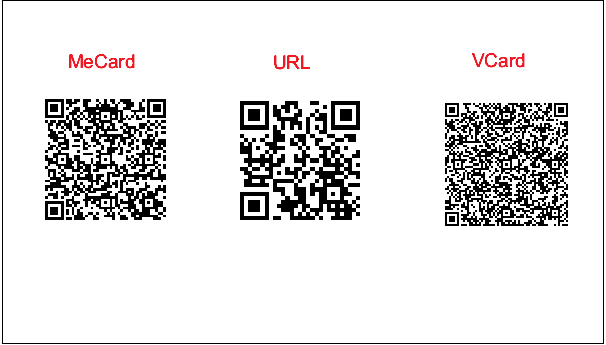
uDesignIt! supports several QR code formats, including:
- vCard: Stores contact information that the person scanning the code can save to their device. This is a useful option for business cards.
- URL: Links to a web address, such
- MeCard: Stores basic contact details for an individual in a simpler format than a vCard.
The QR code type and information fields are configured as part of the uDesignIt! template setup.